On this page
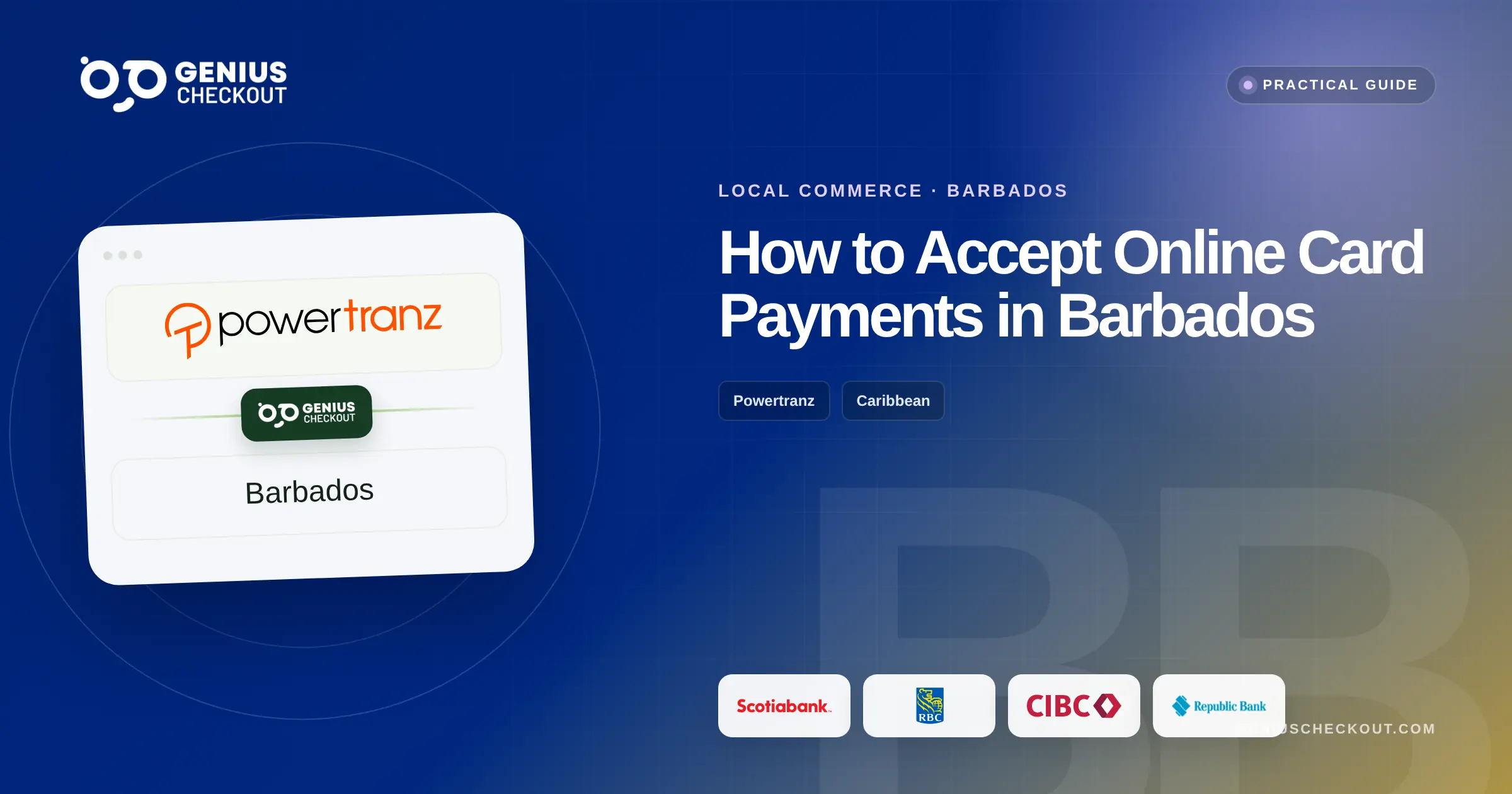
In Barbados, Genius Checkout currently supports Scotiabank, RBC Royal Bank, CIBC Caribbean, and Republic Bank through our Powertranz integration. Your bank must approve your eCommerce merchant account and issue Powertranz or First Atlantic Commerce (FAC) credentials before you can connect it to Genius Checkout.
The four-bank choice is useful, but it makes a written comparison essential. Product name, gateway mode, currencies, settlement, recurring capability, support, and commercial terms can differ.
Last reviewed: September 25, 2026.
Compare the offers using the same questions
| Supported bank | What to verify |
|---|---|
| Scotiabank Barbados | Scotia eCom+ hosted or API route, BBD and other approved currencies, settlement, payment links, and recurring options |
| RBC Royal Bank | FAC/Powertranz profile, mode, transaction currencies, Direct capabilities, and HPP settings |
| CIBC Caribbean | eCommerce product, 3-D Secure, address verification, gateway credentials, and technical support |
| Republic Bank | Current Powertranz/FAC merchant route, mode, enabled operations, settlement, and support contacts |
Scotiabank offers Scotia eCom+ hosted payments, while RBC Royal Bank supports First Atlantic Commerce for Caribbean eCommerce accounts. CIBC Caribbean and Republic Bank also support Powertranz accounts in Barbados. Each bank must still approve the individual business and confirm the checkout mode, currencies, and features enabled for its account.
Use the business model to rank the differences
A Bajan consultant collecting invoices may value payment links and fast reconciliation. A hotel may need deposits, USD pricing, and partial refunds. An exporter may care about international-card acceptance and fulfilment evidence. A membership organization may need tokens and recurring charges.
Score each written offer against the operation:
- Direct or hosted checkout.
- BBD and any other required transaction currencies.
- Settlement accounts and timing.
- Immediate sale versus authorization and later capture.
- Full and partial refunds.
- 3-D Secure and fraud tools.
- Tokenization and merchant-initiated recurring payments.
- Test credentials, documentation, and incident support.
Do not select a gateway on headline transaction price alone. A missing capability can cost more in manual work and failed renewals.
Put Powertranz behind the tools staff already use
Genius Checkout provides a single integration layer after the merchant profile is approved:
- WooCommerce for a WordPress catalogue, booking product, or service checkout.
- HighLevel for agencies, funnels, appointments, and CRM automation.
- Ecwid for a store embedded into an established website.
- GiveWP for eligible organizations collecting donations.
- Payment links and QR codes for invoices, deposits, events, WhatsApp sales, and counters.
- A custom API connection for an existing Barbados-built system.
Connecting multiple channels does not merge their orders. Every attempt receives a unique transaction and retains its source reference.
Direct versus HPP
Use Powertranz Direct for the integrated Genius Checkout payment form, approved tokenization, saved payment methods, or supported subscriptions. HPP redirects card entry to Powertranz and requires PageSet and PageName.
Both modes require 3-D Secure and operational testing according to the bank's configuration. HPP must not be forced into an iframe that the provider blocks. Direct must never result in raw card details reaching the merchant's logs or application database.
A proper Barbados launch test
Test BBD and each additional approved currency. Run an approval, decline, authentication challenge, buyer cancellation, browser Back, retry, duplicate callback, full refund, partial refund, and any planned authorization/capture flow. Subscription merchants should also test initial payment, renewal, failure, retry, and payment-method update.
Reconcile the website order, Genius Checkout transaction, Powertranz record, and bank settlement. The amount and ISO currency code must match at every step.
Frequently asked questions
Which Barbados bank should I choose for eCommerce?
Choose the written offer that matches the business's currencies, checkout mode, payment operations, recurring needs, support expectations, and settlement account. Genius Checkout can work after a compatible Powertranz profile is issued.
Can I accept BBD and USD?
Possibly, but the institution must approve each transaction and settlement currency. Configure only those confirmed for the merchant profile.
Can I use one gateway across WooCommerce and HighLevel?
Yes, if the merchant approval covers the activity. Genius Checkout keeps platform orders distinct while centralizing the gateway configuration and transaction view.
See the Powertranz checkout experience
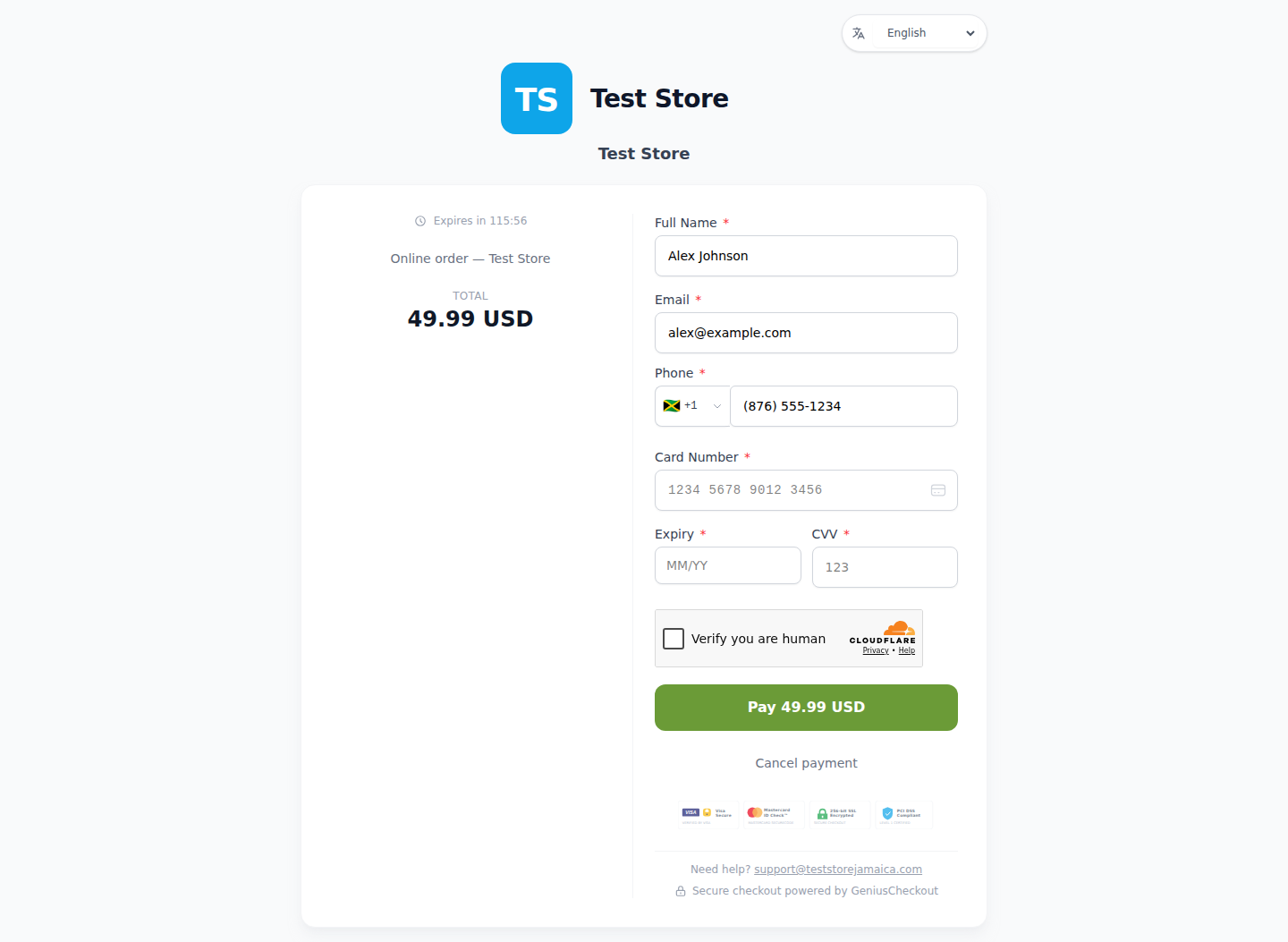
This is a real Genius Checkout Test Store checkout with Powertranz Direct as the only enabled payment gateway. The amount and currency are illustrative; the merchant's bank agreement determines which currencies can be processed and settled.
Sources and next step
- Powertranz merchant locations
- Scotiabank Barbados Scotia eCom+
- RBC Caribbean eCommerce solutions
- CIBC Caribbean eCommerce
- Genius Checkout Powertranz overview
Create a Genius Checkout account or book a setup review after selecting and obtaining the compatible merchant profile.